

Screention Pro
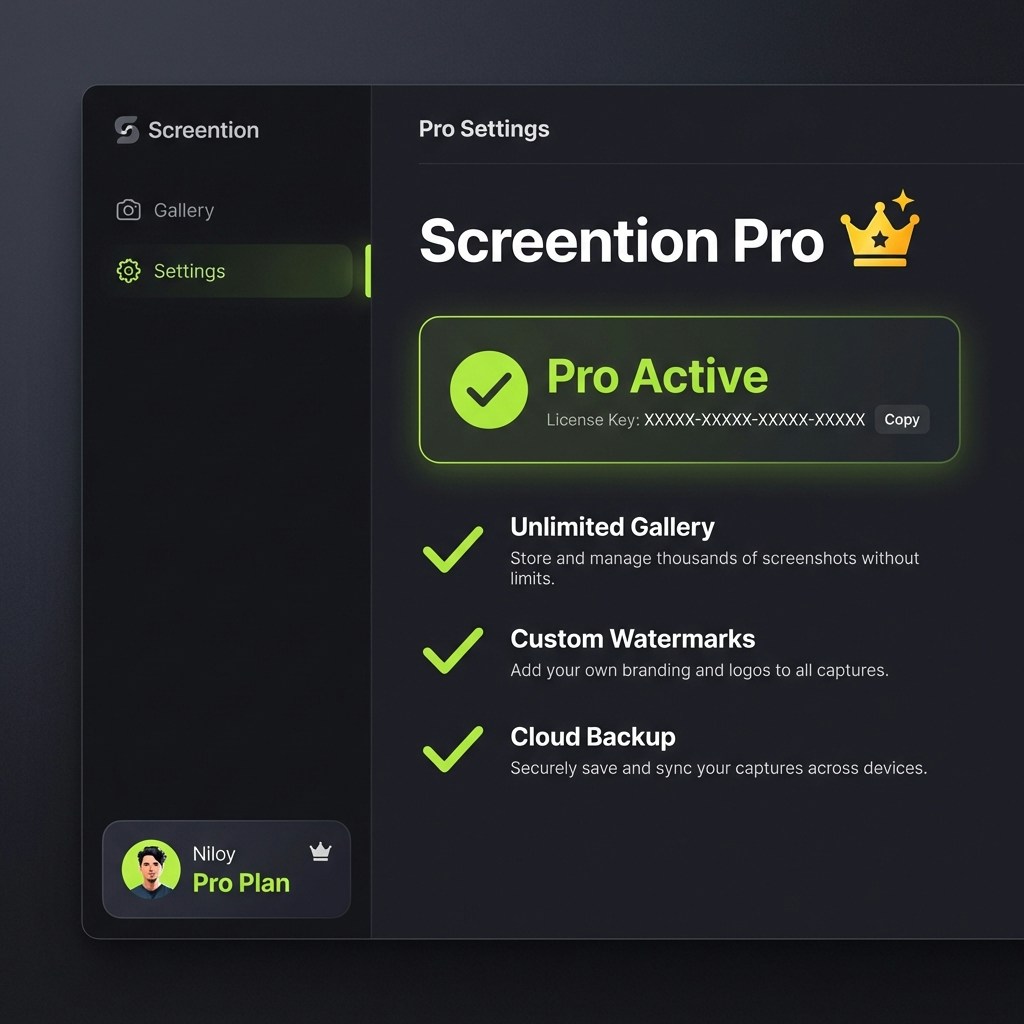
Screention Pro unlocks the full potential of your screenshot workflow with advanced features for power users.Features
Unlimited Gallery
Store and search thousands of screenshots without any local limits.
Custom Watermarks
(Coming Soon) Add your own branding, logo, or text watermarks to every capture automatically.
Cloud Backup
(Coming Soon) Securely sync your captures across devices and never lose a screenshot.
Priority Support
Get faster response times and dedicated support for your issues.
Activation
To activate your Pro license:- Purchase a license key from the Screention Store.
- Open the Screention desktop app.
- Click on your Profile Card (bottom left of the sidebar).
- In the Pro Settings view, enter your
License Key. - Click Activate License.
Managing Your License
- Deactivation: You can deactivate your license on the current device to move it to another machine. Click “Deactivate” in the Pro Settings.
- Lost Key: Check your email receipt from Lemon Squeezy for your license key.